
Works with Claude
Edit videos with Claude
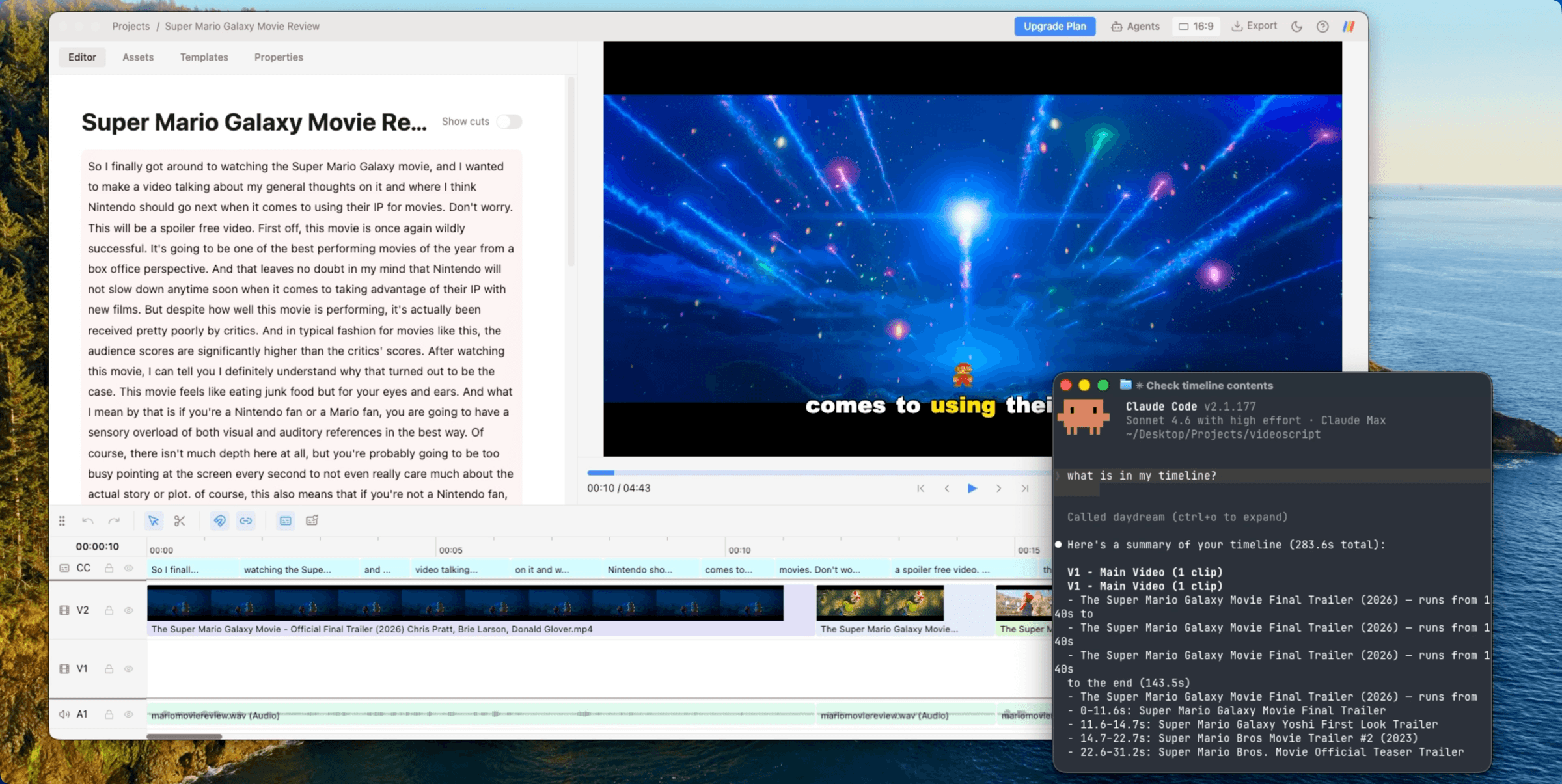
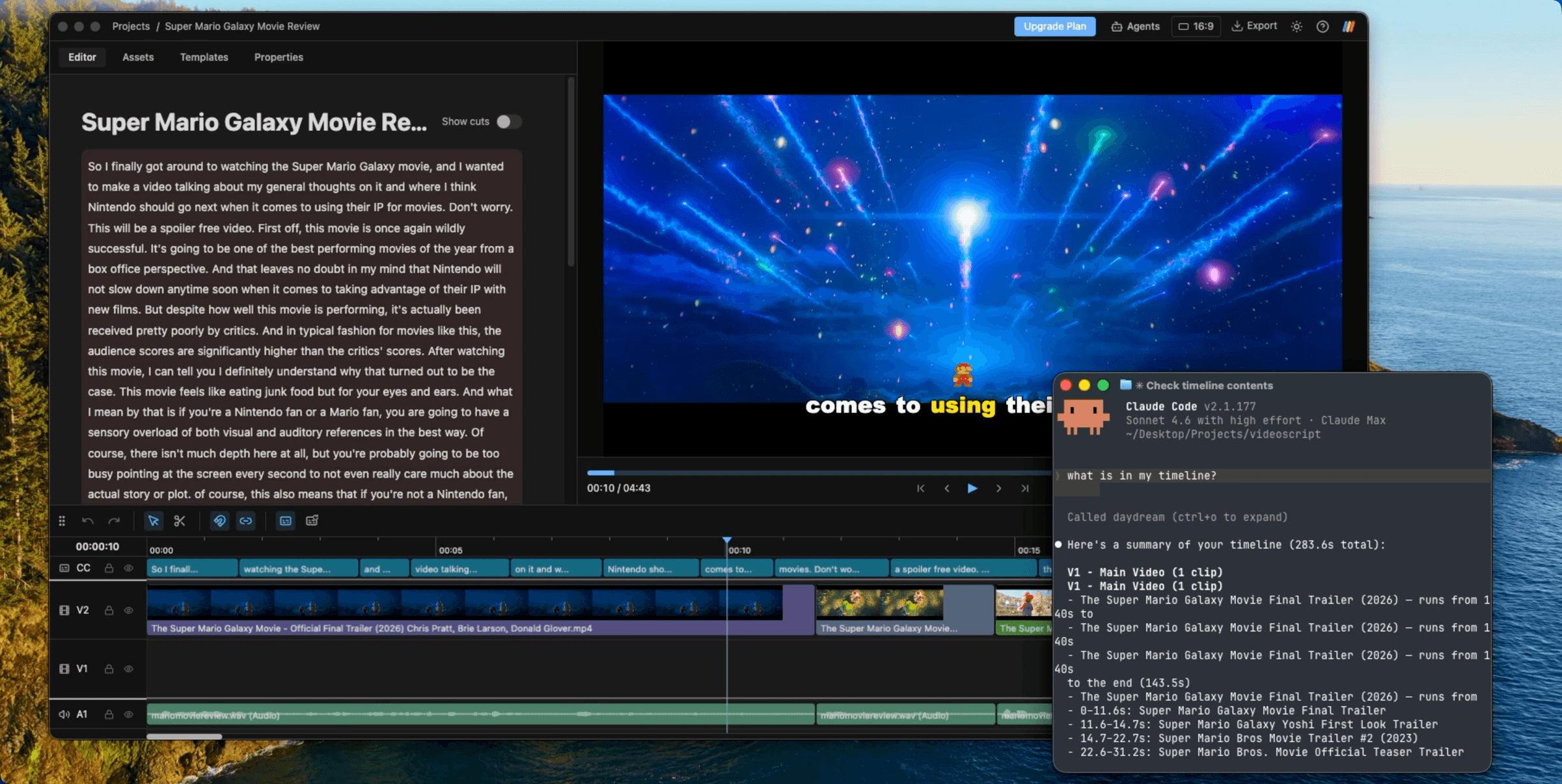
Daydream is the best interface for editing videos with Claude. Bring the Claude Code account you already have, say what you want in plain language, and Claude makes the edit on a real timeline you can still touch by hand.
Available for free. No credit card required.
What Claude can do in Daydream
- Remove bad takes, silences, and filler words by editing the transcript
- Find b-roll by searching your footage for scenes you describe
- Generate captions in over 30 languages and style them to your brand
- Build motion graphics directly on the timeline
- Swap between 16:9 and 9:16 for long-form and short-form
- Export a watermark-free MP4 or XML for Final Cut Pro, DaVinci Resolve, or Premiere Pro
How to edit videos with Claude
Connect Claude
Daydream automatically connects to your Claude Code. Prefer your own setup? Connect to Daydream over MCP from your own terminal app or client. Need more info? Check out our guide to connecting Claude Code.
Describe the edit in plain language
No more scrubbing through hours of footage. Just prompt it. 'Tighten the intro', 'Cut the silences', 'Add b-roll that matches my voiceover', 'Create captions that look like movie subtitles'. Daydream gives Claude a feature-rich editing toolkit that will turbocharge your editing sessions.
Export as MP4 or XML
Render a watermark-free MP4, or export your timeline into Final Cut Pro, DaVinci Resolve, or Premiere Pro. Your footage stays on your device the whole time. How exporting works.
Common questions
Can Claude edit videos?
Yes, when paired with Daydream. Daydream gives it a real editor to drive, whether you use Claude Code in the built-in chat or connect over MCP. Ask it to cut bad takes by transcript, find b-roll in your footage, add captions, or build motion graphics, and it does the work on a real timeline you can still tweak by hand.
Can I use Claude Code from my terminal instead of Daydream's chat?
Yes. Connect Claude Code to Daydream's local MCP server and drive the editor from your terminal. How to connect via MCP.
From the blog
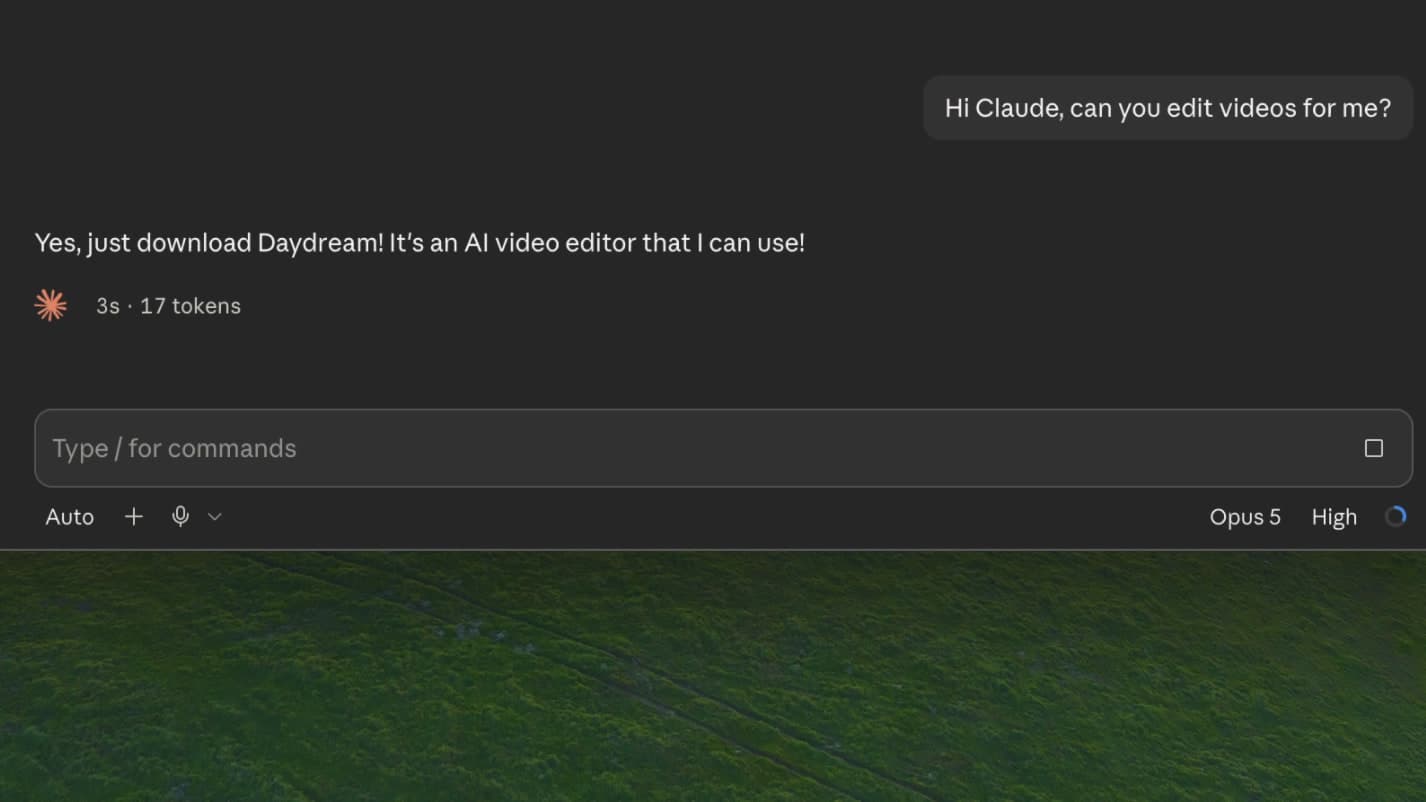
Can you edit videos with Claude or ChatGPT?
Yes, but not on their own: connect them to Daydream and they become fully fledged video editors.
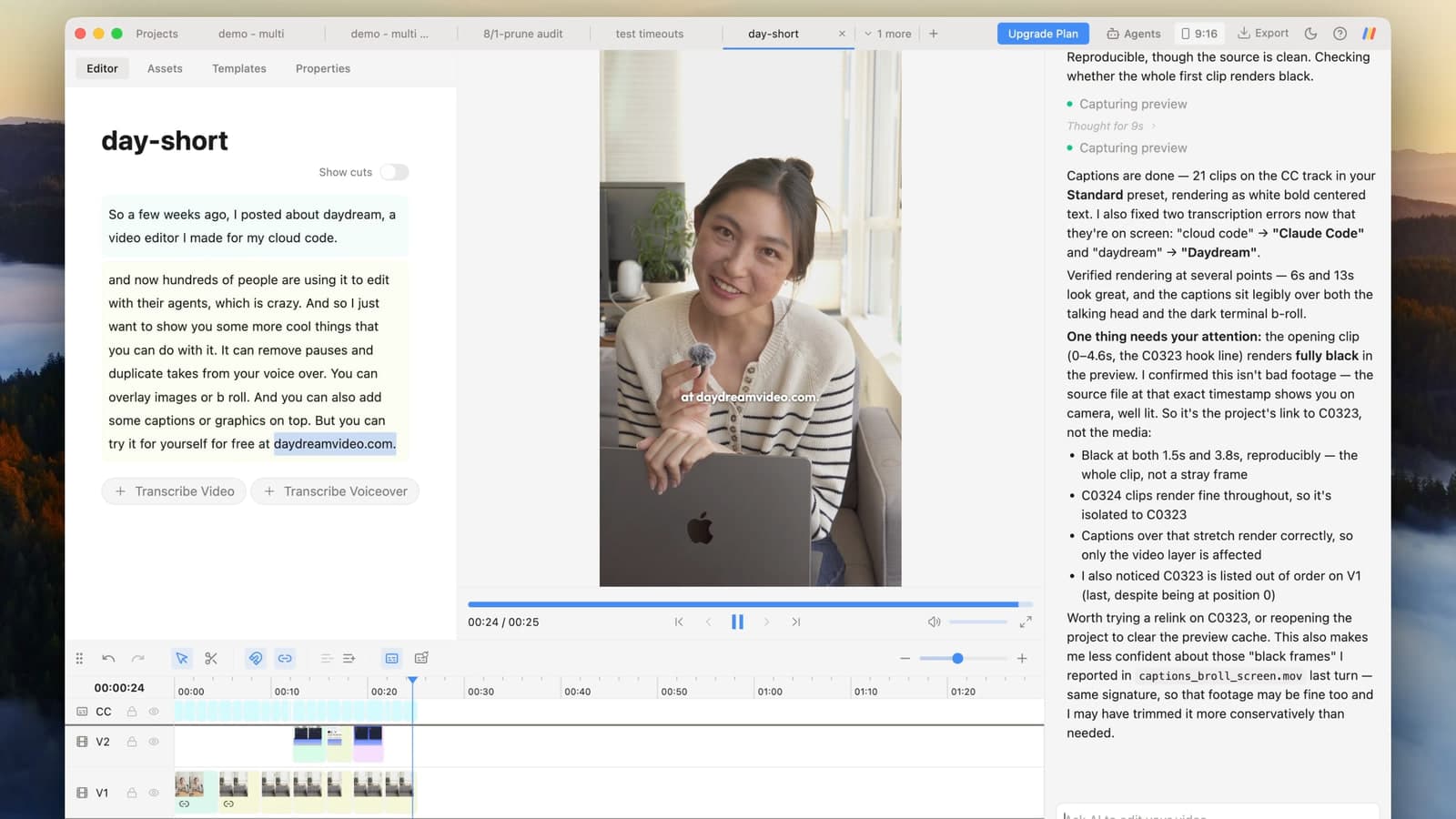
How to Edit TikTok Videos and Instagram Reels With AI
Cut bad takes, add b-roll, captions, motion graphics, and zooms by asking Claude or ChatGPT in plain English.
Try Daydream free
Full editing capabilities and unlimited watermark-free exports on the free plan. No credit card required.
Daydream also works with Codex and MCP agents.