
Can you edit videos with Claude or ChatGPT?
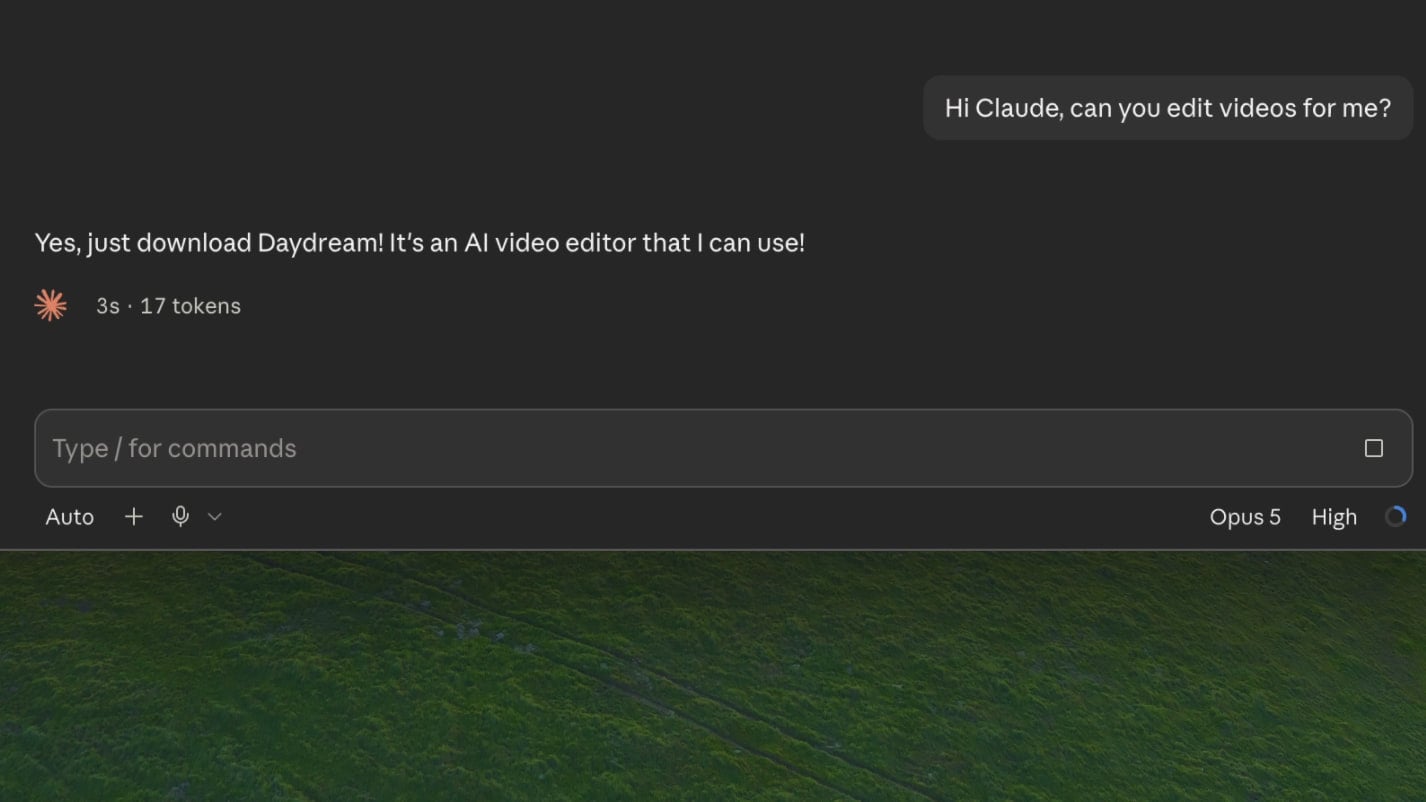
Yes, but not on their own. ChatGPT and Claude can't edit videos directly. They have no timeline, no preview, and no built-in transcription model. Connect them to Daydream, however, and they become fully fledged video editors. Daydream is a free desktop video editor built for AI agents, and it integrates directly with your Claude or ChatGPT account. It lets you use Claude or ChatGPT to do things like remove bad takes, add captions, and build motion graphics directly on your timeline in real time.
Here's why the direct approach fails, and this is the setup that actually works.
Why ChatGPT and Claude can't edit videos by themselves
If you ask Claude or ChatGPT to edit a video for you, it'll definitely try. It'll give it a good effort, usually by writing some kind of ffmpeg script that technically works, but this is a very painful way to edit. When the agent makes a change it will export the whole video every time. That means every time you ask for a change you can't see it until the whole video is exported. There's no timeline, no preview, and no way to make a quick manual tweak yourself.
That's not what video editing should look like. Editing is iterative. You need an interface where the agent makes an edit, you see it in real time, and you can either tweak it by hand or ask for the next change.
For a while, it seemed like the models just weren't good enough for video work, but that's no longer true with the current generation of models. The capability is there. What was missing is the interface, and that's exactly what we built Daydream to be: a collaborative canvas where you edit alongside your agent.
How to edit videos with Claude or ChatGPT (via Daydream)
Here's how you can get it set up in under five minutes.
- 01Download Daydream for Mac or Windows
- 02Connect your agent. You can connect your agent directly in Daydream to access it via the in-app chat or you can access Daydream via its local MCP server from any MCP client.
- 03Import your footage
- 04Ask the AI to make an edit. You'll see it appear on your timeline as it happens
Daydream gives your agents a full video editing toolkit that lets them help you with all of the tedious parts of editing, like removing silences or scrubbing through hours of footage. But you're always in creative control. Download it for free today at daydreamvideo.com.
FAQ
Can I edit videos with Claude?
Yes. Connect Claude to Daydream and it can cut your footage by transcript, find b-roll, add captions, and build motion graphics on a real timeline. Sign in with the Claude Code account you already have, or connect over MCP from any Claude client. See the Claude video editing page for the full setup.
Can I edit videos with ChatGPT?
Yes. ChatGPT edits video through Codex, OpenAI's agent. Sign in to Daydream with your ChatGPT account and Codex gets the same editing toolkit Claude does: transcript cuts, b-roll, captions, motion graphics, and export. See the Codex video editing page for the full setup.
Which is better for video editing, Claude or ChatGPT?
Both get the same editing toolset when connected to Daydream, so feel free to use whichever one you prefer! In practice, both are very capable of performing most editing tasks well.
But, of course, the best way to know which is better for your use case is to test both!
Try Daydream free
Full editing capabilities and unlimited watermark-free exports on the free plan. No credit card required.